Your words, your format
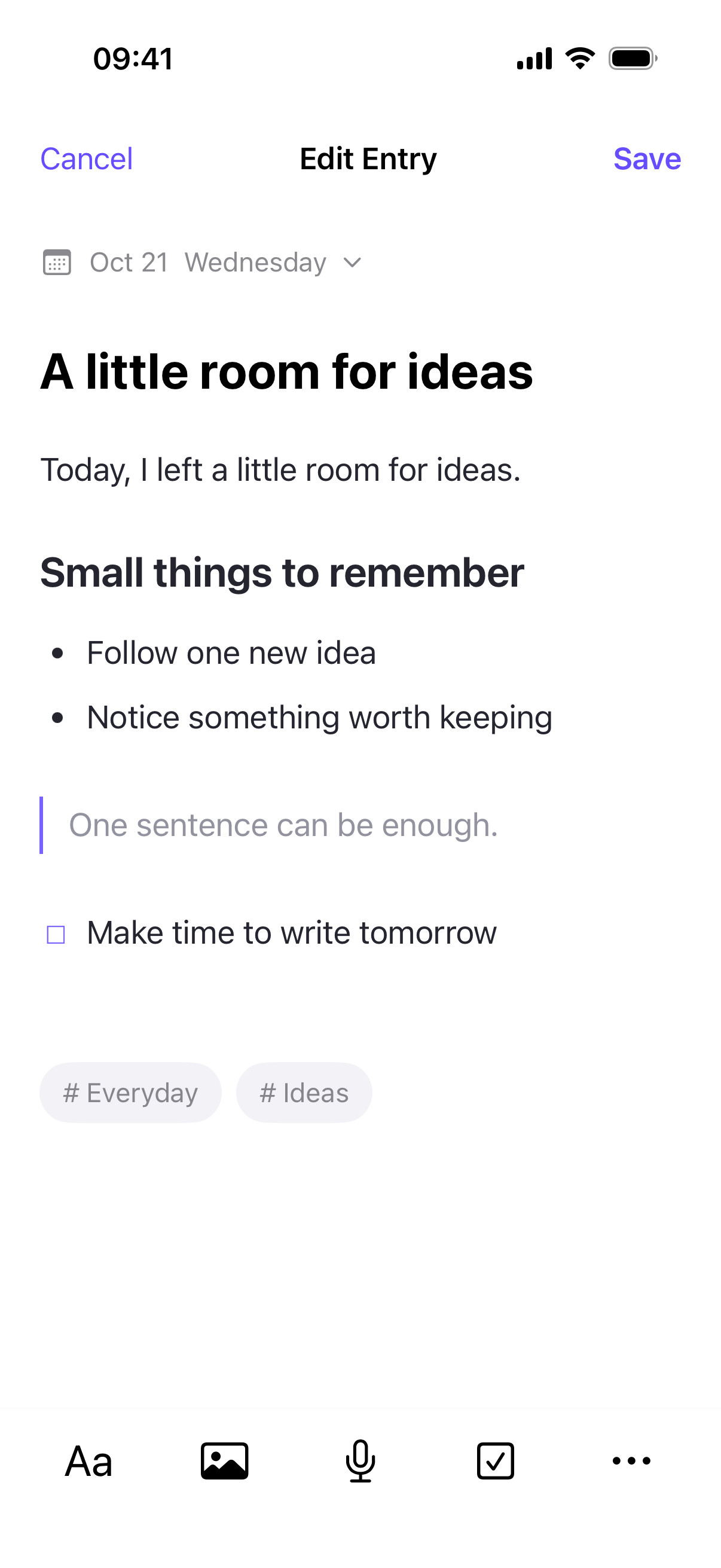
A continuous writing area, optional titles, Markdown, headings, lists, quotes, code, and tables.
Inkling for iPhone and iPad
A calm journal for small observations, unfinished ideas, and the days you want to remember.
Open straight into your writing. Add a title when you need one, use Markdown or familiar formatting tools, and collect photos, recordings, and to-dos alongside your words.
This page describes version 1.1, prepared for App Store review. The current App Store release is an earlier journal-only version; Focus and the revised premium features become available after approval. Mac Catalyst is currently being tested. This website does not accept payments.
A journal that fits the moment
A continuous writing area, optional titles, Markdown, headings, lists, quotes, code, and tables.
Keep selected photos, recordings, videos, and document attachments with your entries. Add to-dos as you write.
Use search, dates, tags, and favorites to return to an idea. Drafts and trash help manage work in progress.
Write and keep local media for free on your device. With an active premium trial or lifetime unlock, explicitly enable iCloud sync to sync text and metadata through your private Apple CloudKit database and saved-entry media through iCloud Drive.
English, Simplified Chinese, Spanish, French, German, Brazilian Portuguese, Japanese, Korean, Russian, and Arabic.
Choose distinct diary and management passcodes. The diary passcode or Face ID opens ordinary journal mode. The management passcode opens privacy mode, where purchase, Focus, and iCloud settings are available according to premium access. Focus operations require a separate management check.
Optional media sync is off by default. Enable it on each device to copy photos, recordings, videos, and documents from saved entries through your iCloud Drive, with local cached copies. Drafts remain on the device where you write them. Sync depends on Apple services and network conditions; keep separate copies of important content. Learn how sync works.
On supported iPhone and iPad devices, Focus uses Apple Screen Time authorization for app groups, schedules, timed sessions, and device restrictions. All manual Focus management requires privacy mode, management authentication, and an active premium trial or lifetime unlock, including starting, stopping, disabling, deleting, and clearing restrictions. Configured timer and schedule endings still run automatically. Personal authorization can be revoked in iOS Settings. Read how access works.
Try it, then make it yours
Journaling stays free. Try premium Focus mode and iCloud sync for 7 days, with an optional one-time lifetime unlock. No subscription or automatic charge.
US$5.99 once
Mainland China: ¥30 once
An active trial or lifetime unlock is required for all manual Focus management, including stop, disable, and clear, and for iCloud sync. Trial expiry or a refund preserves your journal and local media; it does not grant unpaid manual Focus controls. Creating, editing, reading, exporting, and local media remain free. Purchase only through Apple’s in-app purchase sheet. Prices in other regions, taxes, and the amount charged are shown by the App Store before you confirm.
Read trial & purchase termsYour journal belongs to you
Takumi Tech Ltd does not operate a server that collects your journal entries. You do not need a Takumi account to write. Apple handles any in-app payment.